 Fulfillment< @ >HQ Group

If your shipping feels slow even though your fulfillment partner is fast, the problem usually starts inside Shopify settings.
Most sellers don't realize how much time is lost before a package even reaches the warehouse.
Below is the optimized version of how I set up Shopify shipping for faster fulfillment, especially for cross-border stores.
Many stores have old zones from past promotions.
Why it matters:
Wrong zones = wrong rates = warehouse confusion.
Do this:
Remove unused countries
Separate key regions: US / CA / UK / EU / AU
Add realistic delivery times (don't overpromise)
Make sure your warehouse can actually ship to those zones
This reduces mismatched orders — one of the most common silent delays.
Manual rates look simple but create problems:
Wrong price → customer complaints
Wrong carrier → fulfillment delays
Wrong rule → rejected orders
Better approach:
Use real-time calculated rates synced from your fulfillment provider or main courier.
You get:
✔ Accurate shipping cost
✔ Clear shipping options
✔ Faster warehouse picking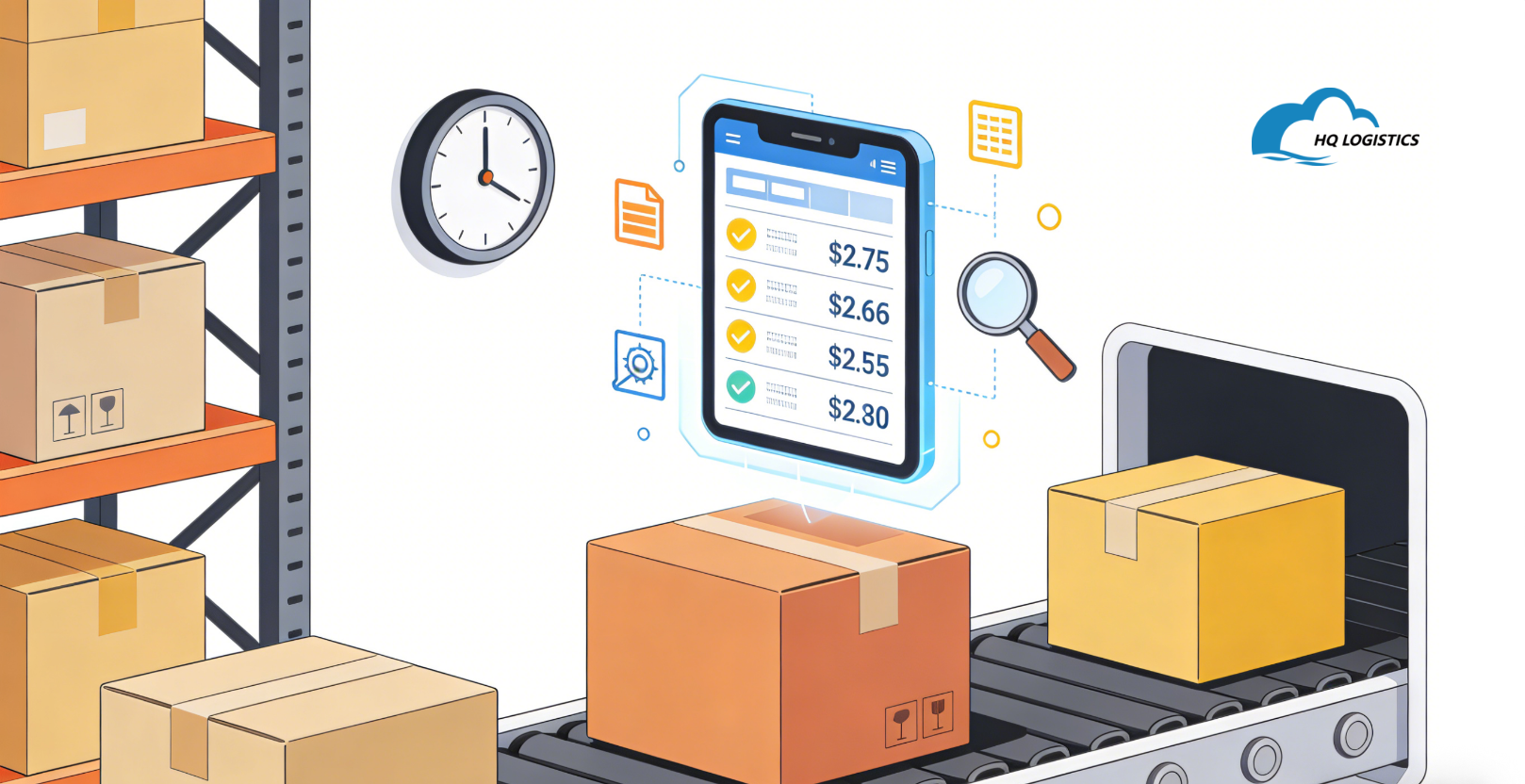
Warehouses sort faster when weights and dimensions are correct.
Tips:
Add dimensions for every SKU
Use consistent units (don't mix grams and ounces)
Bulk-edit for similar products
Use templates if your catalog is large
This prevents “unexpected size” delays, especially during Q4.
Shopify allows automation rules that many sellers don't use.
Recommended:
Auto-tag orders (Ex: “Express”, “High priority”)
Auto-route based on region
Auto-mark pre-orders
Auto-send tracking to customers
Automation = fewer human errors = faster handoff.
Most delays happen because Shopify shows stock that the warehouse doesn't have.
Checklist:
Enable real-time sync
Ensure SKU mapping is 100% correct
Never reuse SKUs across product types
Set a “buffer stock” (avoid sudden stockouts)
This avoids fulfillment halts and backorders.
Fast shipping isn't enough — customers want clarity.
Examples:
“3–6 business days delivery (US)”
“Ships within 24 hours from our warehouse”
Clear expectations reduce support tickets and refund requests.
Q1: Can Shopify settings really speed up shipping?
Yes — many “fulfillment delays” start before the warehouse ever sees the order.
Q2: What's the fastest fix if I only have 5 minutes?
Clean up zones + turn on automated rates.
Q3: Do I need an app for optimization?
Not required. Native Shopify tools already work well.
That's how to optimize Shopify shipping settings for faster fulfillment — and build a smoother checkout-to-delivery process.
📩Email: zoye@fulfllment-cn.com




Don't wait until next year, grab the chance on 2025. Here are some recommended ecommerce topic you can choose.
Thanks to the support and trust from our customers. Flashback with our beloved partners.